Your AI agent can now check the names it suggests
BrandScreen now works inside Claude, Cursor and other AI agents. Ask for names, and your agent screens them against trademarks, domains, business registries and social handles before you fall for one.
Your AI agent can now check the names it suggests
Ask an AI assistant for startup names and you get twenty in a few seconds. Some of them are good.
What you don't get is any idea which ones you can actually have. The assistant can't see the trademark register. It doesn't know the .com was registered in 2014, or that a company with the same name filed in Delaware last spring. So you pick a favourite, get attached to it, and find out later.
Now your agent can check.
What it does
BrandScreen is now available as an MCP server, the standard way AI agents connect to outside tools. Connect it once and your agent can:
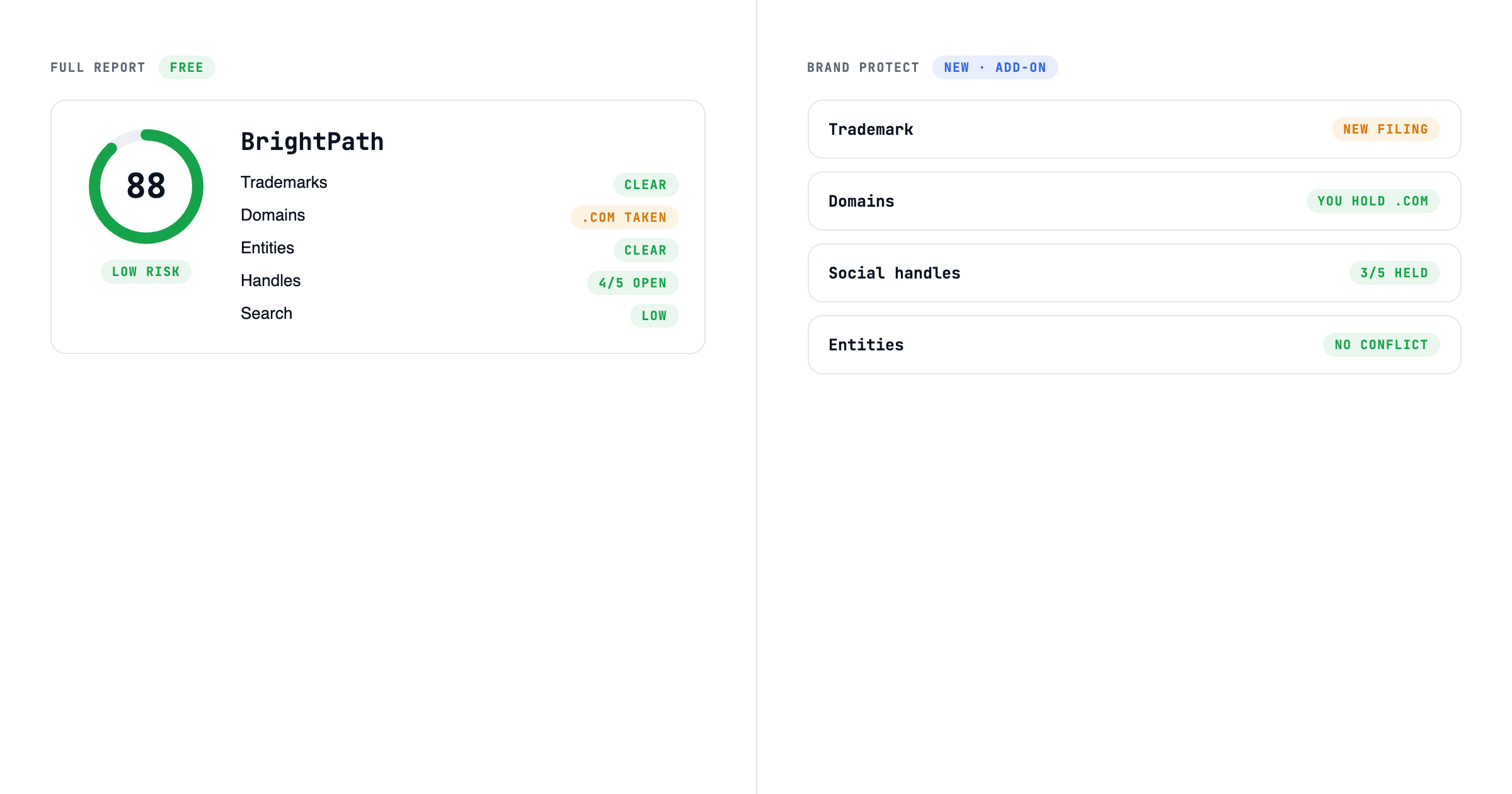
Screen names. Up to ten at a time. Each one gets an exact-match USPTO trademark search, including which trademark classes already hold a live mark, availability across .com, .ai, .io, .co and .app, a Delaware business-entity check, and a 0–100 Brand Score.
Open a full report. Trademark records, business registrations across five states, social handles on eight platforms, search competition, and an AI analysis with alternative names. The same full report you get on the website.
Remember what you've checked. It can list the names you've already screened, so it doesn't check the same ones twice.
The scores are the same ones the website gives you. Same checks, same model. An agent never gets a different answer than you would.
What that looks like
Give me five names for a meal-planning app for new parents, then screen them with BrandScreen and drop anything with a registered trademark.
Your agent comes back with names it has already checked: which ones are clear of exact trademark matches, which domains are open, and a link to each report.
How to connect it
- Sign in and go to Settings → Agents & API. Create a token and copy it.
- Add BrandScreen to your agent with that token. The setup page has copy-and-paste config for Claude Code, Cursor and Claude Desktop. Any agent that supports remote MCP servers works the same way.
That's it. One-click sign-in, without copying a token, is coming next.
What it costs
Nothing extra. Agent access is part of every account.
- Screening: 20 names a day on the Free plan, 100 on paid plans.
- Full reports: the same daily allowance as the website, shared between the two. Re-opening a report you already have doesn't count.
What this isn't
A screen, not a legal opinion. The trademark search matches your exact name, so similar marks can still matter, and "nothing found" means nothing matching was found, not that the name is safe to use. Your agent gets those caveats with every result, so it can tell you the same.
For a name you're about to file, file properly and talk to a trademark attorney.